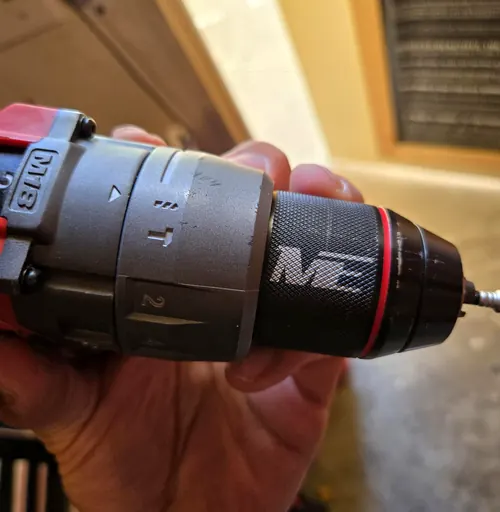
Your manual wins. These are general practices. When your tool's manual says something different, follow the manual.
What an impact driver does
An impact driver spins like a drill, but when the screw resists it adds rapid rotational hammer blows. That's why it drives long screws and lag bolts with little wrist strain.
Use the right bits
- Impact drivers take 1/4-inch hex-shank bits only.
- Use impact-rated bits and sockets. Standard bits snap or round off under impact.
- Match the bit to the screw head exactly (PH2 for most Phillips deck screws, T25 for many Torx screws). A loose fit is the number one cause of stripped heads.
Speed modes
Many impact drivers have 3 or 4 speed modes, and some have a self-tapping or precision mode. | Job | Mode | | --- | --- | | Small screws, hinges, cabinet hardware | Lowest speed or precision mode | | Deck and framing screws | Medium to high | | Lag bolts, long structural screws | Highest | | Self-tapping metal screws | Self-tapping or low mode |
Technique
- Seat the bit fully and push straight in line with the screw.
- Start slow with a light trigger until the screw bites.
- Keep firm forward pressure; most stripping happens when the bit climbs out of the head.
- Stop the moment the head is flush. Impact drivers don't have a clutch, so it's easy to sink screws too deep.
When to grab something else
- Drilling clean holes: use a drill/driver.
- Concrete: use a hammer drill or rotary hammer.
- Precise, delicate screws: use a drill/driver with the clutch set low, or a screwdriver.
Manufacturer instructions
Your tool manual is the final word. Find yours by model number:
Check the free-tool kit deals before paying full price.